OMA Tech Studio Start a project

Home / Awaaz AI receptionist / Setup options

Setup options · Updated 13 October 2026

Whatever phone your business runs on, the AI can answer it.

A Jazz SIM on the counter, a PTCL line at the front desk, a 111 number for five branches, a Panasonic exchange in a hotel: the AI is the same in all of them. Only the way calls reach it changes. Find your setup below. Your number stays as it is.

By the OMA Tech Studio team

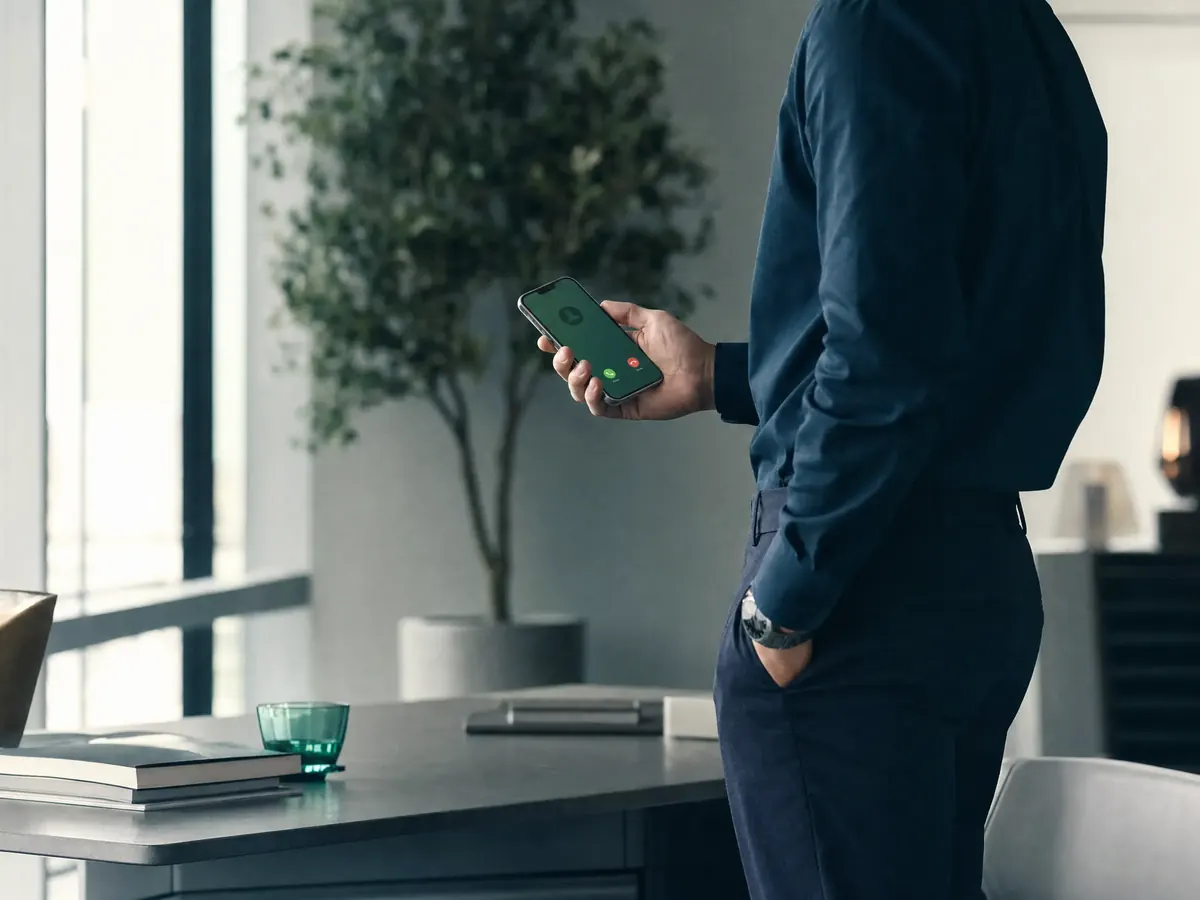
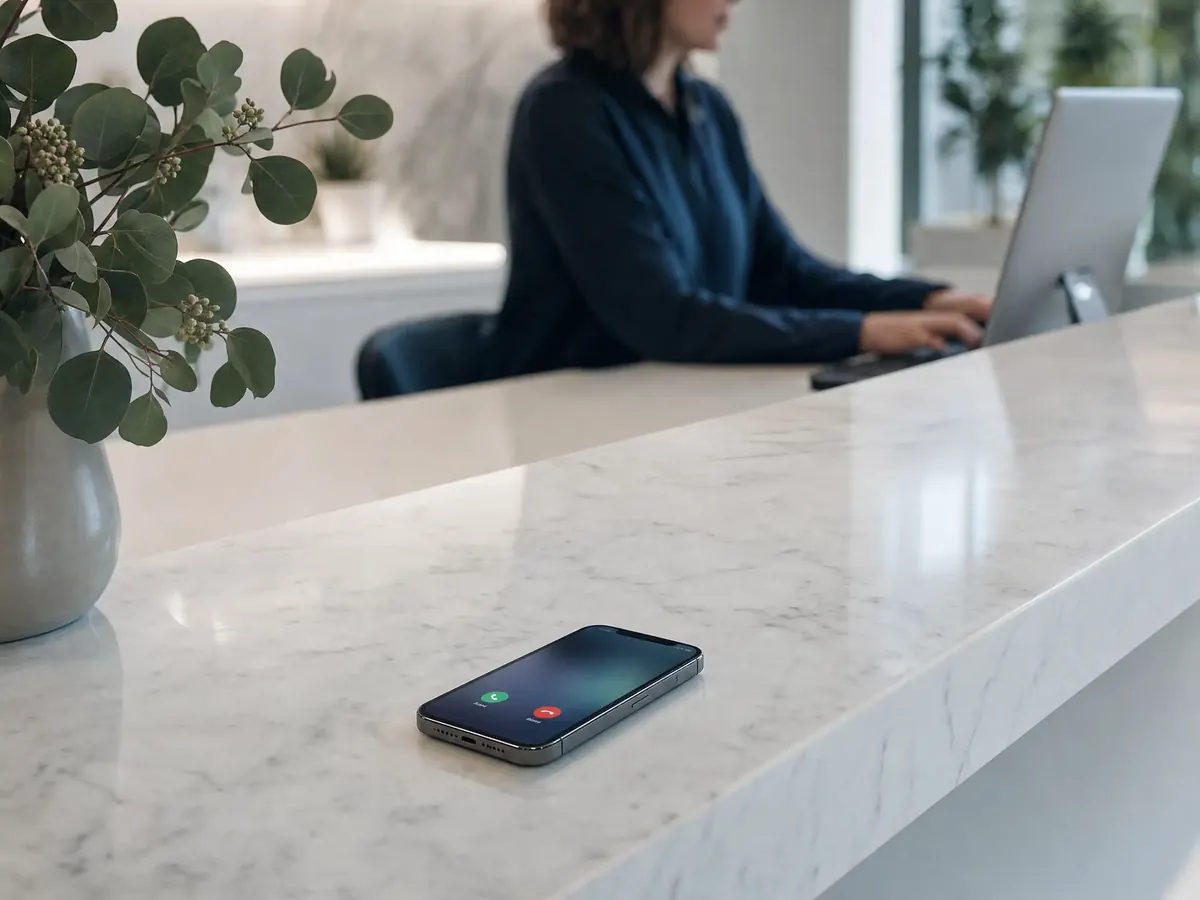
A quiet clinic reception desk at dusk with a phone showing an incoming call

One AI. Eight ways in.

Calls arrive from whatever line you already have. The same receptionist answers, then sends you the lead, the booking and the recording.

Live now Ready to set up

Your number never changes. Switching it off takes one code, or one call to us.

  • Mobile SIMOne forwarding code.
  • PTCL or 111We connect your lines.
  • Office exchangeThe AI becomes one more extension.
  • AbroadA local number in your country.

Live now

A mobile SIM

  • 1 call, or 2–4 with forwarding
  • Shops, clinics, estate agents, schools

Your Jazz, Zong, Ufone or Telenor number stays exactly the same.

There are two ways to do it, and you can start with one and move to the other.

  • The AI answers on your phone. We fit a small audio link between an Android phone at your office and a computer, and the AI talks to the caller through it. A SIM carries one call at a time. If someone calls while it's busy, the AI calls them back about 2 minutes later.
  • Forward to the AI's lines. You keep your phone in your pocket and dial one code. Calls you're busy on, or don't pick up, roll over to our lines, and each of those has its own AI agent. That's how a restaurant handles three calls at once at dinner.

Most owners switch on the first three codes together, so they still take the calls they can, and the AI catches the rest.

Good to know: your operator charges the forwarded part like a normal call from your SIM, so it comes out of your package. We only ever give you a Pakistani number to forward to. If a code doesn't work on a prepaid SIM, call your network's helpline and ask them to enable call forwarding.
Link to this option

A pharmacy counter in Lahore with a phone ringing on the glass
The forwarding codesEvery Pakistani network

Replace number with the line we give you, starting 03 or 0.

When should the AI answer?Switch onOff
When you're already on a call**67*number###67#
When you don't pick up**61*number###61#
When your phone is off or has no signal**62*number###62#
Every call, always**21*number###21#
Turn all forwarding off##002#

Live now

WhatsApp calls

  • 1 call per WhatsApp number
  • Anyone customers call on WhatsApp

Your WhatsApp Business number stays the same.

A lot of Pakistani customers never dial the SIM. They tap the call button in WhatsApp. The AI answers those voice calls too, on the same phone, so both kinds of call get picked up. More on that in WhatsApp AI call agent.

For bigger businesses, WhatsApp now lets calls reach an AI over the internet without a phone in the middle, so several people can call your WhatsApp at once. That needs your number on the official WhatsApp Business Platform rather than the Business app, and we'll tell you whether yours qualifies.

A boutique owner's hand holding a phone with an incoming WhatsApp call

Ready to set up

A PTCL landline

  • 1 call per line
  • Offices, schools, clinics, older shops

Your 042, 051, 021 or other landline number stays the same.

Most providers just say "forward your PTCL" and stop there. Here's what actually happens:

  1. We check your line. Not every PTCL line has forwarding switched on, so we ask PTCL (1218) for you, or you do it from the account holder's number.
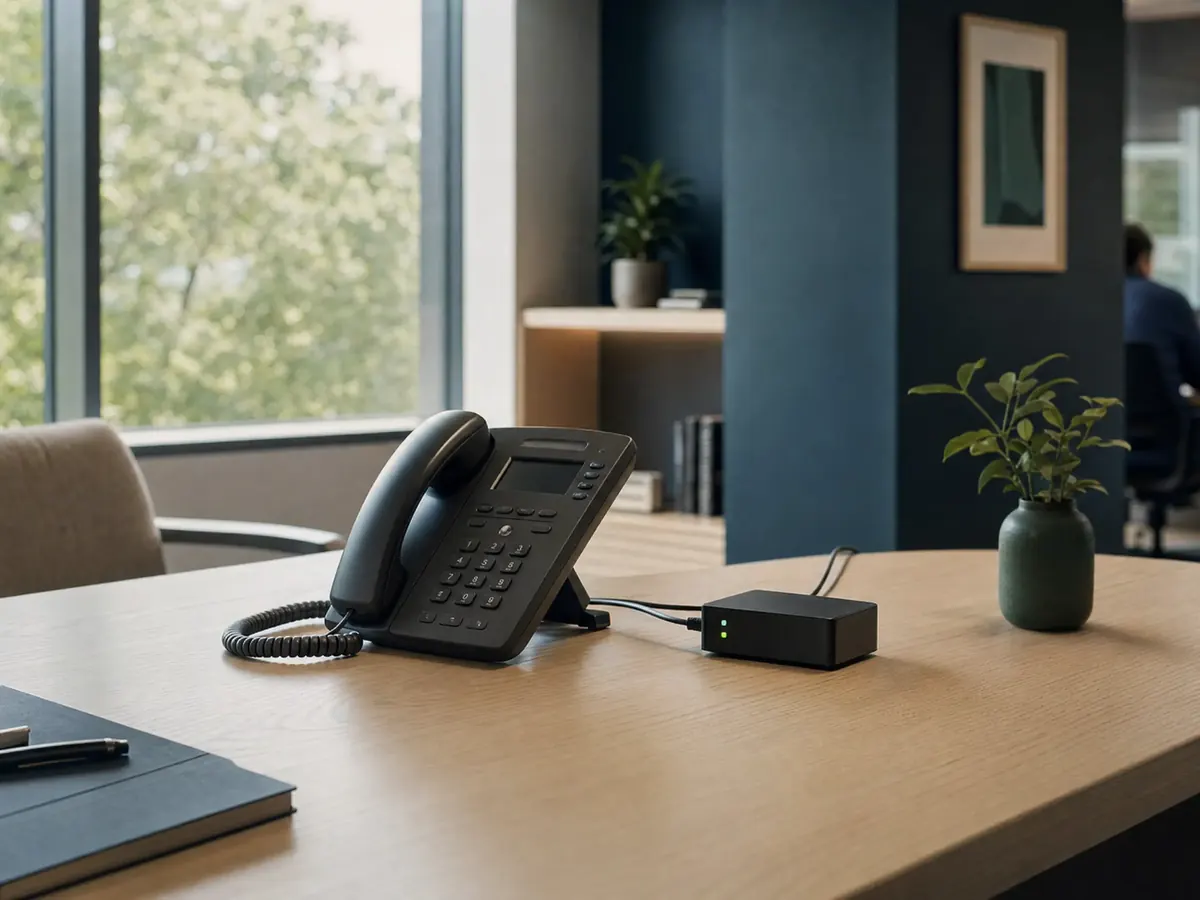
  2. Option A, an adapter on the line. A small PTA type-approved box plugs into the phone socket, next to your existing phone, and connects that line to the AI over your internet. The AI answers when nobody picks up, or after hours.
  3. Option B, forwarding. If PTCL has forwarding on for your line, it sends unanswered calls to our line, and you don't need any box.

Good to know: with forwarding, PTCL bills the forwarded part to your line. With the adapter, there's no extra call charge, just your internet.

Link to this option

A landline phone on a school reception desk with a small adapter box beside it

Ready to set up

A 111 (UAN) number

  • As many calls as you have lines
  • Restaurant chains, hospitals, courier and retail brands

Your 111 number stays the same. Nothing changes on your ads, boxes or signboards.

A UAN is one number that rings the next free line out of several. That makes it the best fit for an AI, because each line it rings can be its own AI agent.

  • If your UAN rings ordinary PTCL lines, we put an approved adapter on some or all of them, the same way as a single landline.
  • If it rings a business trunk (SIP or PRI), your provider, whether PTCL, Nayatel, Wateen or Multinet, points some channels at the AI. That's a change on their side. Your number and existing lines stay.

You choose the split: the AI on every call, only after your staff are busy, or only after closing time.

No UAN yet? A business line from a licensed operator such as PTCL, Nayatel, Wateen or Multinet carries 10 or more calls at once, and each caller gets their own AI agent. We tell you exactly what to ask your provider for.

Link to this option

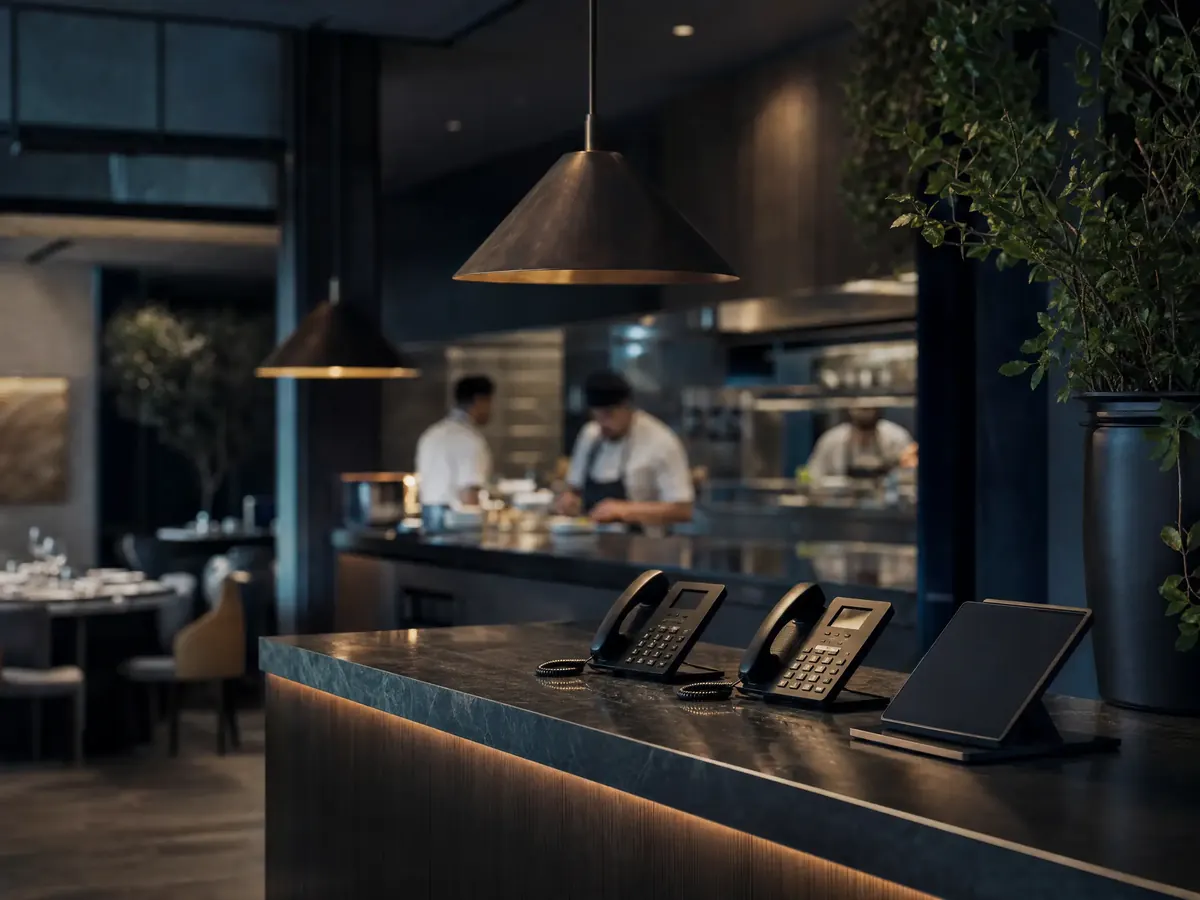
The order counter of a busy restaurant at dinner time

Ready to set up

An office exchange (PABX)

  • Matches your exchange
  • Hotels, hospitals, schools, larger offices

Your numbers, extensions and handsets all stay as they are.

If you have an operator who puts calls through to rooms or departments, the AI simply becomes one more extension. Your exchange decides when to ring it.

Your exchangeHow the AI joins
Analog, such as Panasonic KX-TES824 or KX-TEM824, or NECA spare extension port connects to a small approved adapter, and the AI answers on that extension.
Hybrid or IP, such as Panasonic KX-NS, Grandstream UCM or YeastarA direct internet link (a SIP trunk) between your exchange and the AI. No extra hardware.
3CX, FreePBX or AsteriskSame internet link. Usually the quickest setup of all.

Then you, or whoever installed your exchange, choose the rule: the AI takes calls when the operator is busy, after hours, or as an option in your menu ("press 1 for bookings").

Link to this option

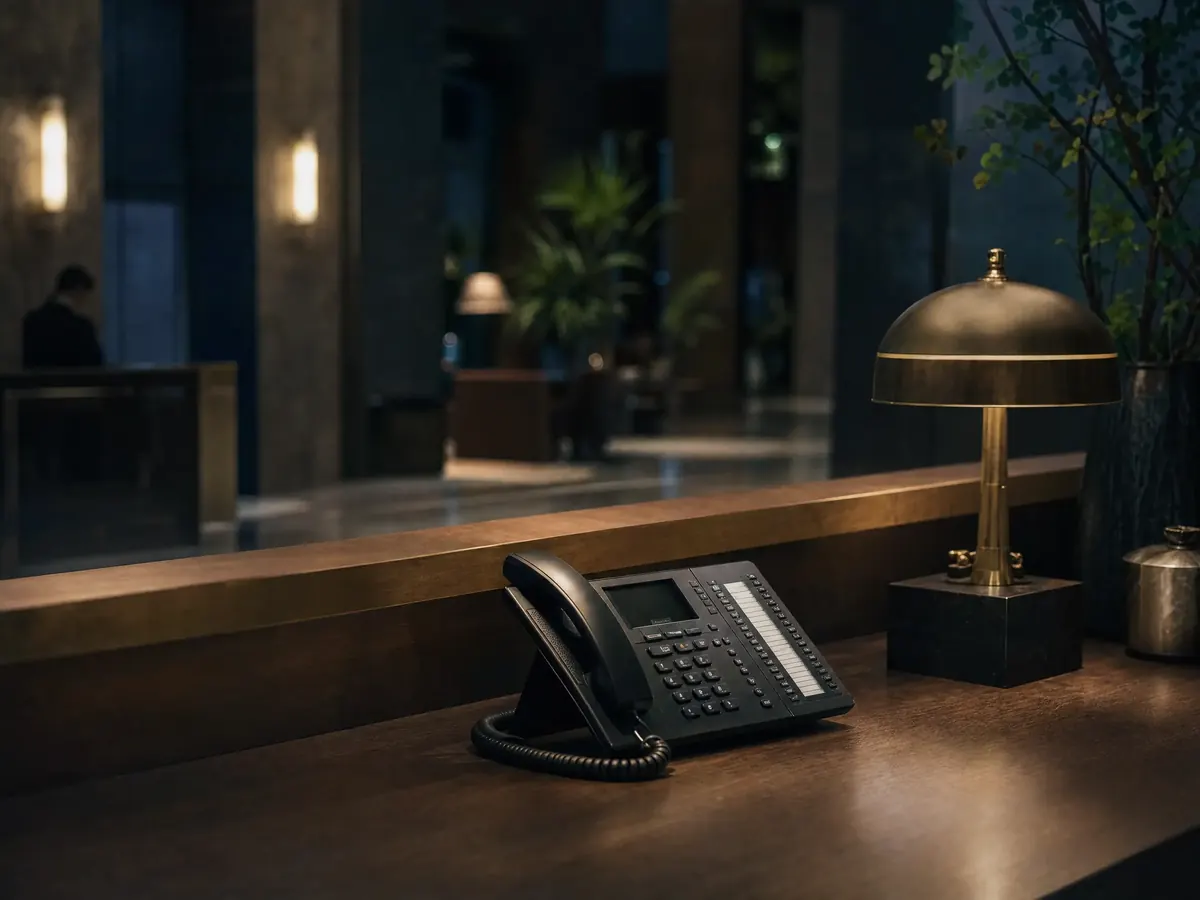
A multi-line desk phone on a hotel front desk at night

Ready to set up

Several branches

  • 10 or more calls at once
  • Restaurant and pharmacy chains, schools with campuses, clinics

Each branch keeps its own number, or all of them share one.

  • One number for all branches (usually your 111): the AI asks which area the caller is in, or works it out from the address, and sends the order or booking to that branch's WhatsApp.
  • One number per branch: each branch's line connects as above, and each branch's manager sees only their own calls. You see all of them in one dashboard.

Each branch can have its own menu, prices, timings and the manager's number the AI passes callers to when they want a person.

Three branches of the same pharmacy chain at dusk

Ready to set up

Your website

  • 10 or more at once
  • Any business with a website

A "Talk to us" button on your site lets a visitor speak to the AI straight from their browser, on a phone or computer. There's no number to dial and no call charge for them or you. It's the same AI, with the same recordings and WhatsApp alerts.

A laptop on a café table, someone about to type

Ready to set up

A business abroad

  • 10 or more calls at once
  • UK, US, Canada, Australia, UAE and Saudi Arabia

For clients abroad, we connect a local phone number in your country straight to the AI. Your customers dial a normal local number, and the AI answers in English or Urdu, any time of day.

  • UK, US, Canada, Australia: we set up a local number for you, or you forward your existing one to it.
  • UAE and Saudi Arabia: keep your own number from your local operator and forward it. Local virtual numbers there cost a lot and often can't take calls from mobiles.

Link to this option

A phone on the counter of a takeaway shop in Manchester at night

Every line lands in one dashboard.

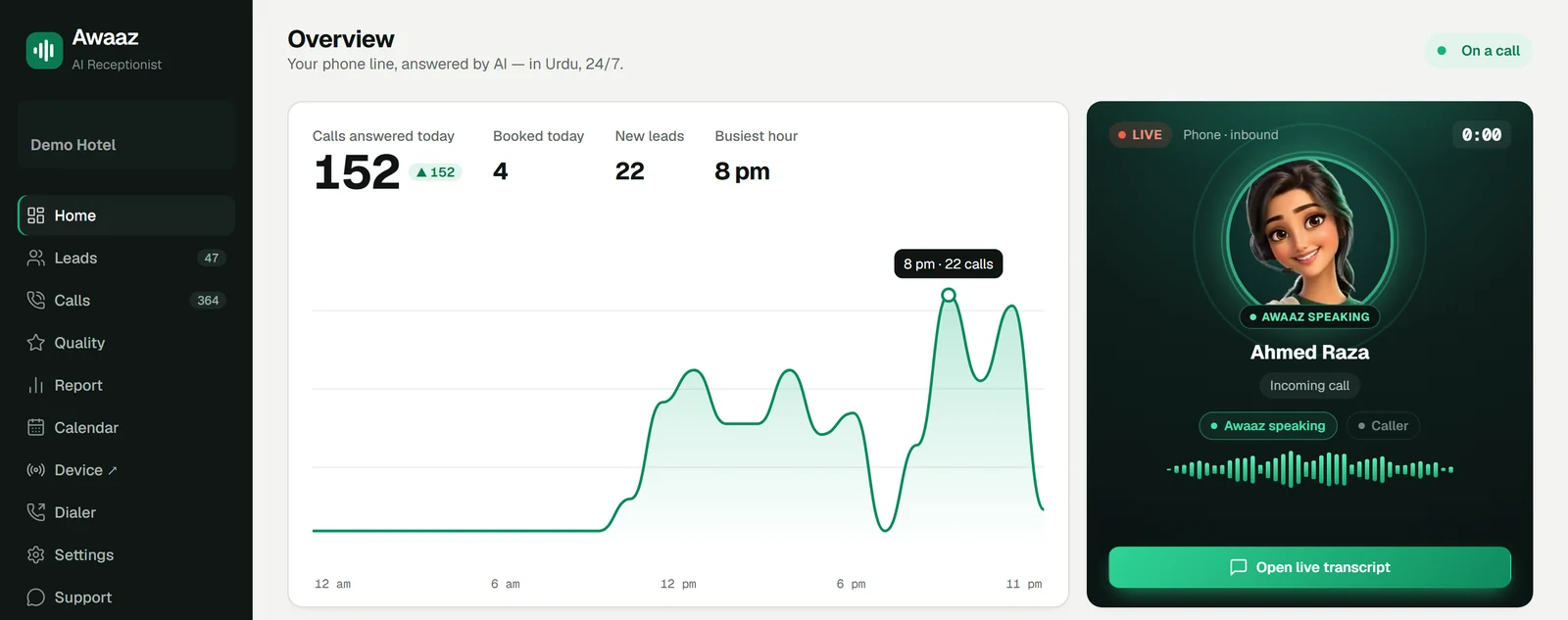
SIM, WhatsApp, PTCL, 111 or your exchange: each call shows up here while it's happening, with the recording, the transcript and the lead it brought in.

The Awaaz dashboard: calls answered today, a chart of calls by hour, and a live call card showing Awaaz speaking with a caller
The Awaaz dashboard on a hotel line. Numbers are from a real day on 30 September; the live call and names are examples.

Check it works in 2 minutes

Once it's set up, do this before you tell anyone:

  1. Step 1From a different phone, call your business number the way a customer would.
  2. Step 2Let it ring, or stay on another call, depending on the rule you picked.
  3. Step 3Talk to the AI for a few seconds and ask one real question, like your timings.
  4. Step 4Open the dashboard. The call, its recording and the caller's number should be there within a minute.

If something's off

Tap a problem to see the usual reason and the fix.

The forwarding code says "failed" or "not allowed"

Usual reason: Forwarding isn't enabled on the SIM, common on prepaid

What to do: Call your network's helpline and ask them to enable call forwarding

Your phone keeps ringing, the AI never answers

Usual reason: Only "busy" forwarding is on, or the no-answer delay is too long

What to do: Add **61*number# too, or ask us to shorten the ring time

The call forwards but drops straight away

Usual reason: Low balance or no package on the forwarding SIM

What to do: Top up, or use a package that covers outgoing calls

The dashboard shows your number instead of the caller's

Usual reason: Some networks pass on the forwarding number, not the caller's

What to do: Tell us. We switch that line to a setup that keeps the caller's number

Calls work, but nothing reaches WhatsApp

Usual reason: The alert number is wrong or not saved

What to do: Check "Business details" in the dashboard

Same AI, whichever line you pick

The setup only changes how calls arrive. Everything else stays the same on every option:

  • It speaks Urdu and English, and learns your menu, prices, rooms or services.
  • It tells callers the call may be recorded, then records it with a transcript in one dashboard.
  • Orders, bookings and anything urgent reach you on WhatsApp.
  • When a caller wants a person, it passes the call to the mobile number you choose, or takes a message if you don't pick up.
  • Missed calls get a call back, and booked customers get a reminder.

How we keep your number safe

  • We don't run multi-SIM "SIM boxes", and we never register SIMs on anyone else's CNIC.
  • Any adapter we fit is PTA type-approved, and business lines come from licensed operators.
  • You can switch the AI off yourself, any time, with one code.

FAQ

About the setup options.

Do I have to change my business number?

No. Every setup on this page keeps the number your customers already know, whether it's a Jazz SIM, a PTCL landline, a 111 number or an office exchange. At most you switch on call forwarding, and one code switches it off again.

Will it understand Urdu and Punjabi-accented callers?

Yes. It's built for Pakistani callers who mix Urdu and English in one sentence, and it answers in whichever one the caller uses. You can hear sample calls on the Urdu page before you decide.

How many calls can the AI answer at the same time?

That depends on the line, not the AI. A single SIM carries one call at a time, and a missed caller is called back in about 2 minutes. With extra lines, a business line or your office exchange, each call gets its own AI agent, so 10 or more people can talk to it at once.

Who pays for forwarded calls?

When you forward your SIM or landline, your operator charges the forwarded part like a normal outgoing call from your number, so it comes out of your package or bill. We always forward to a Pakistani number, so it's a local call, never an international one.

Are calls recorded, and is that legal?

Every call is recorded so you can check what was said. The AI tells callers at the start that the call may be recorded, because recording someone without telling them isn't allowed in Pakistan. Recordings are yours, and you can ask us to delete them.

Will callers know they are talking to an AI?

If they ask, it tells them it's the business's assistant. It never pretends to be a named person. If a caller wants a human, or the AI can't help, it passes the call to your mobile.

Is a multi-SIM gateway legal in Pakistan?

We don't run SIM boxes. PTA requires type approval for gateways, blocks SIMs that look like grey traffic, and raids setups that end international calls on local SIMs. For more than a few lines we use business lines from licensed operators, or the PTCL lines and exchange you already have.

Can you give me a UK or US number for my business?

Yes. For clients abroad we connect a local UK, US, Canadian or Australian number straight to the AI. In the UAE and Saudi Arabia you keep your own number and forward it to us, because local virtual numbers there are expensive and often can't take mobile callers.

Whatever phone you have, test it first.

Tell us what you use today on WhatsApp. You can call the AI on a demo number before anything on your line changes.